
Touchscreen - Card view
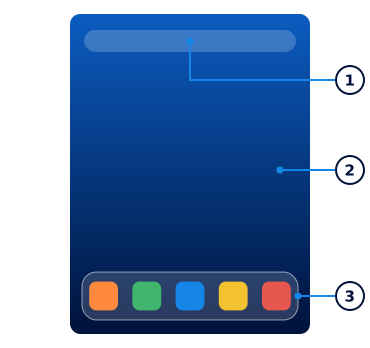
- Just Type field: Tap here to search for or create something without going to an application first.
- Wallpaper: The background of Card view. To change it, open Appearance on the Prefs tab.
- Quick Launch: Bar with four applications, plus the Launcher icon at the right end.
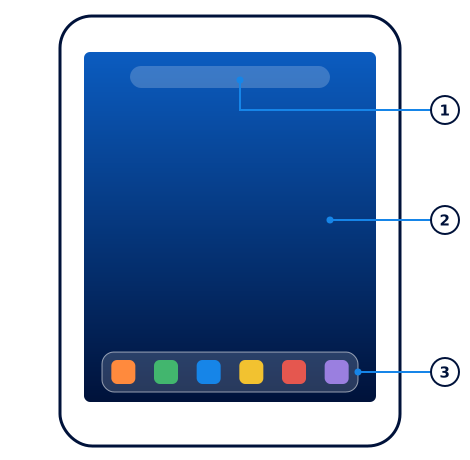
- Just Type field: Tap here to search for or create something without going to an application first.
- Wallpaper: The background of Card view. To change it, open Appearance on the Prefs tab.
- Quick Launch: Bar with five applications, plus the Launcher icon at the right end.
Checked against the LuneOS code and installed apps. Nobody has tried these steps by hand yet, so tell us if something differs.